A Face Analytics Pipeline for Any Workload
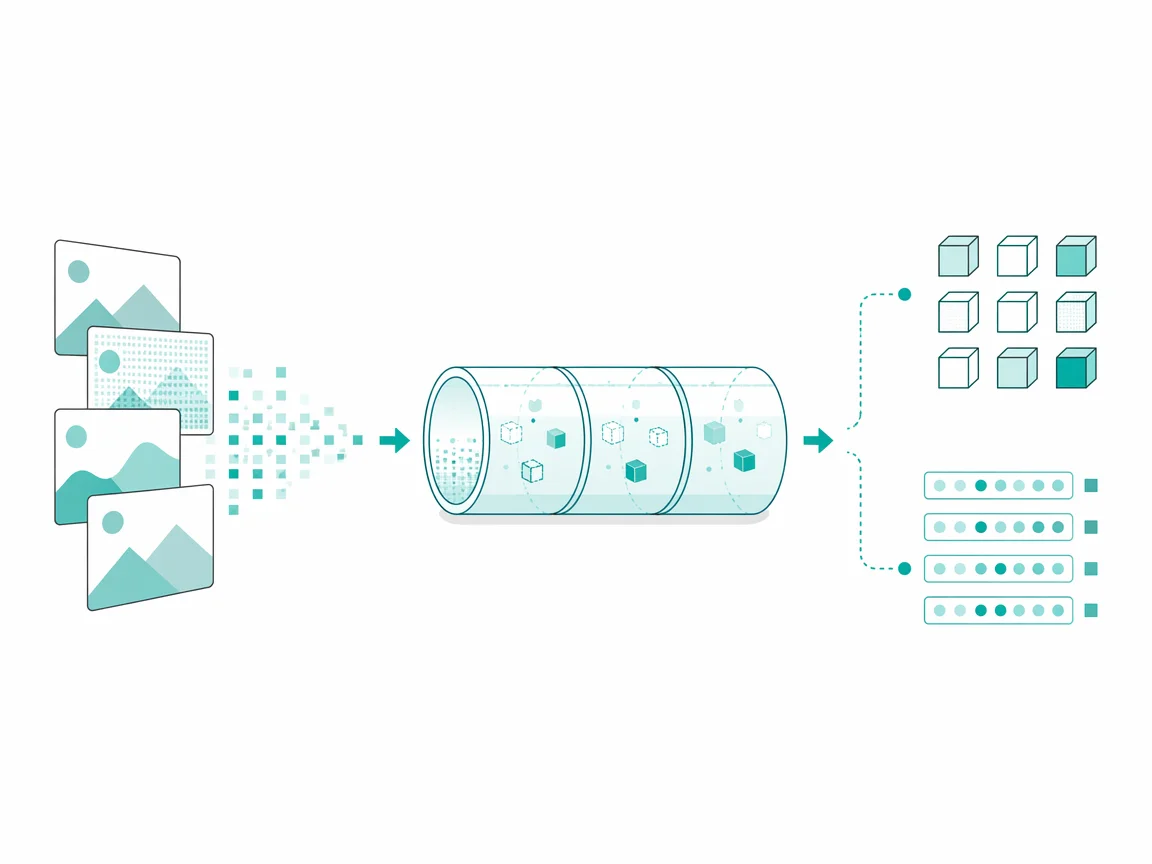
Raw Bytes, Live Faces
Faces carry more signal than pixels suggest, and this pipeline extracts counts, descriptors, and embeddings from one local call.
One function takes bytes and returns face count, age estimate, gender descriptor, and a 128-float embedding per face, feeding attendance systems, tagging workflows, or similarity searches without splitting work across multiple external services.
The cursor lands on the entry point and the rest of the file falls into place. One call counts faces, another describes them, and a third enrolls them with antispoof and liveness verdicts attached. Reading the docs top to bottom feels like following a single line from bytes to verdicts, with every optional stage sitting where it belongs and nothing demanding a second tab.
Missing On-Premises Option
Most face analytics tools fall into two camps. Desktop suites demand a GUI and manual steps, while cloud APIs send photos to a third party. The gap was a pipeline that runs on premises, keeps photos local, and returns embeddings and verdicts quickly.
Reading the gap in the docs makes the choice obvious. Photos stay local, embeddings return fast, and nothing leaves unless asked.
Pitfalls Across the Stack
- Desktop suites demand a GUI and manual steps for every batch.
- Cloud APIs send photos to a third party and add latency and privacy risk.
- Spoofing and replay attacks break naive enrollment without a liveness check.
- Matching on a single metric gives false positives across lighting and angle.
Count, Describe, Enroll, Compare
- Count faces and split them by a mesh confidence tier in one call.
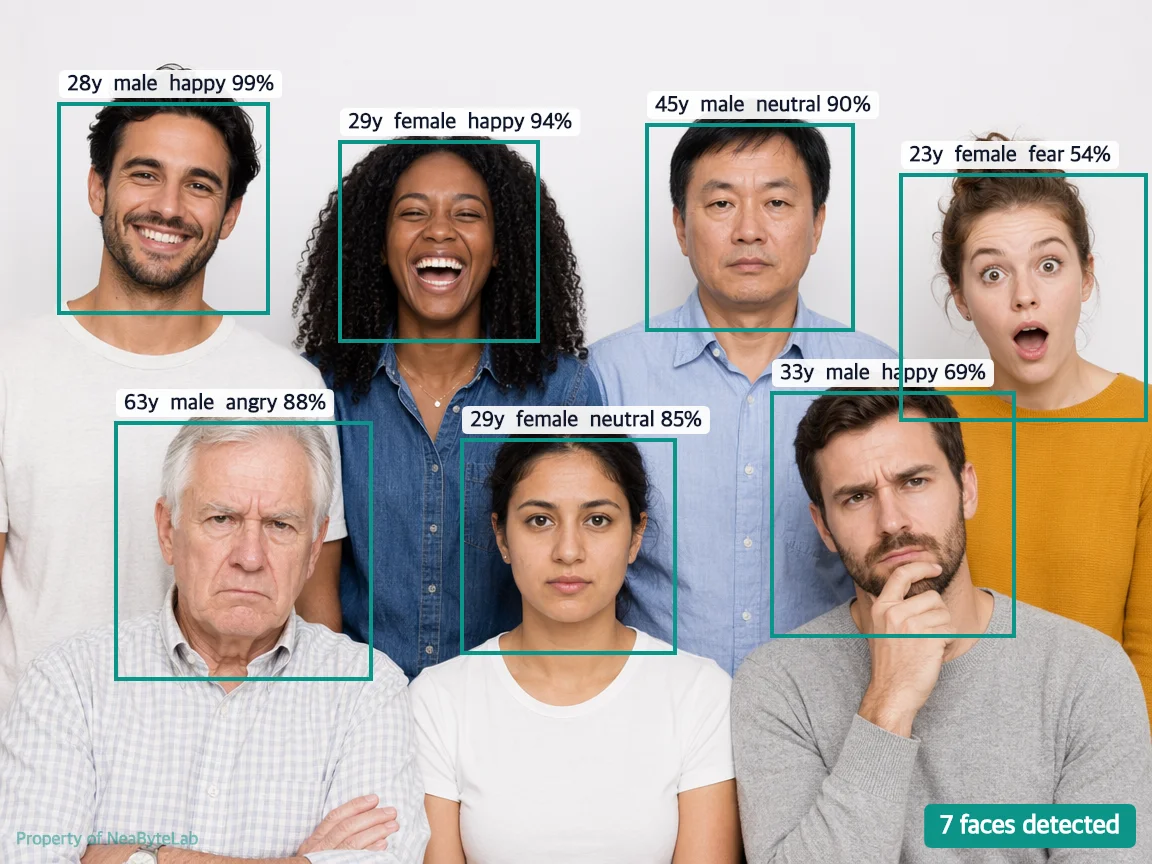
- Describe each face with age, gender, emotion, pose, and embedding.
- Enroll faces with optional antispoof and liveness verdicts.
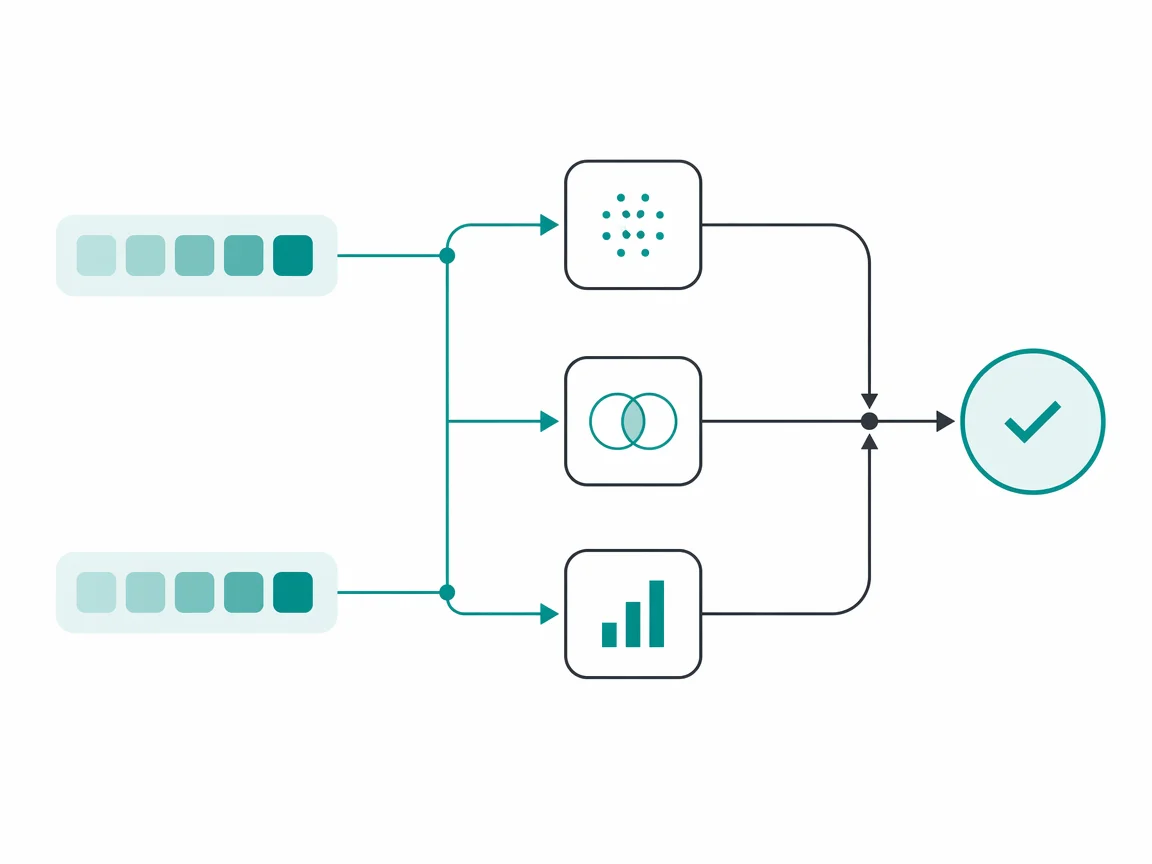
- Compare two embeddings with cosine, euclidean, and similarity gates.
- Run on premises or in the cloud with photos never leaving the host.
Stacked Stages Feed Forward
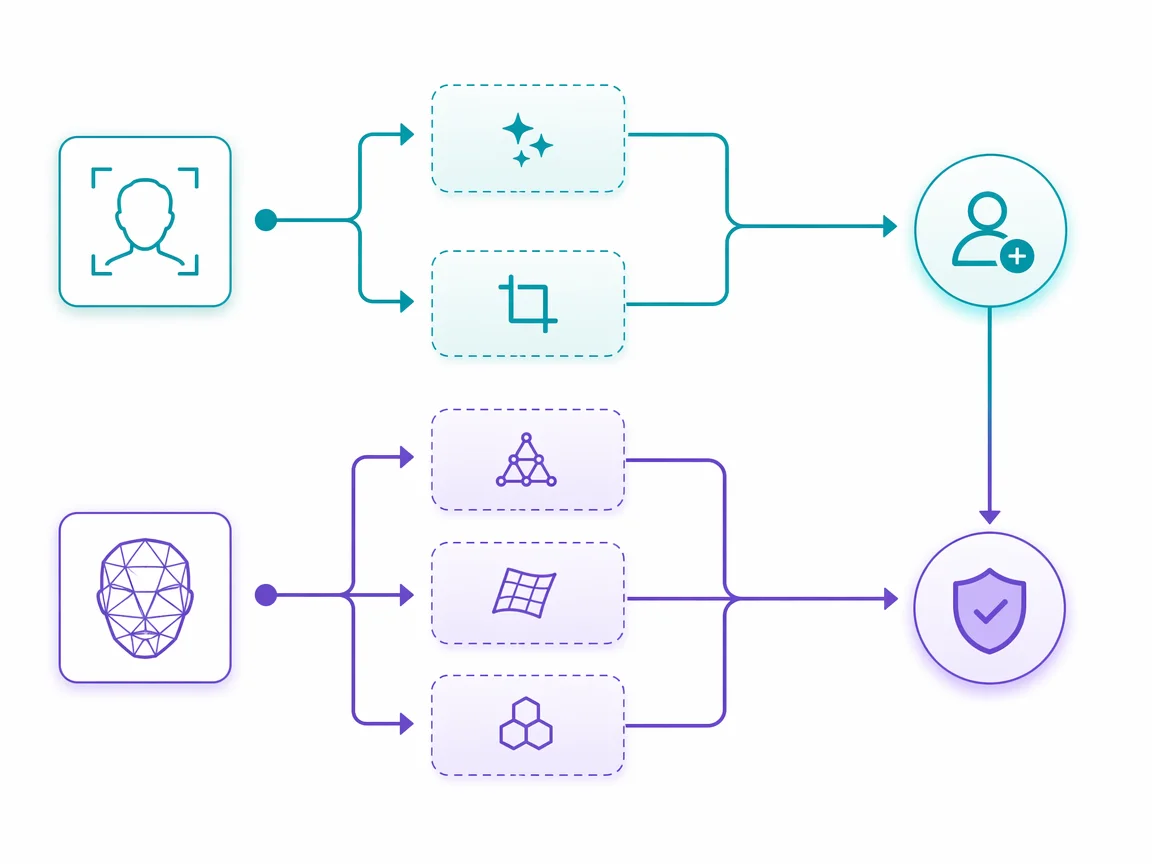
The strategy is one pipeline, many workloads. A detector designed to locate faces and a mesh designed to map landmarks feed optional stages for age, gender, emotion, iris, and quality, while an antispoof and liveness layer guards enrollment. A compare step blending cosine, euclidean, and similarity into one verdict keeps matching consistent across attendance and on-prem.
Stages stack in the docs and the flow clicks. Detector feeds mesh, mesh feeds description, enrollment behind a liveness gate.
Each stage reads like a step in the editor, one line feeding the next without a detour. The detector finds the face, the mesh maps it, and optional layers for age, gender, emotion, and quality turn on when the call asks, keeping simple paths short.
Bytes Becoming Structured Faces
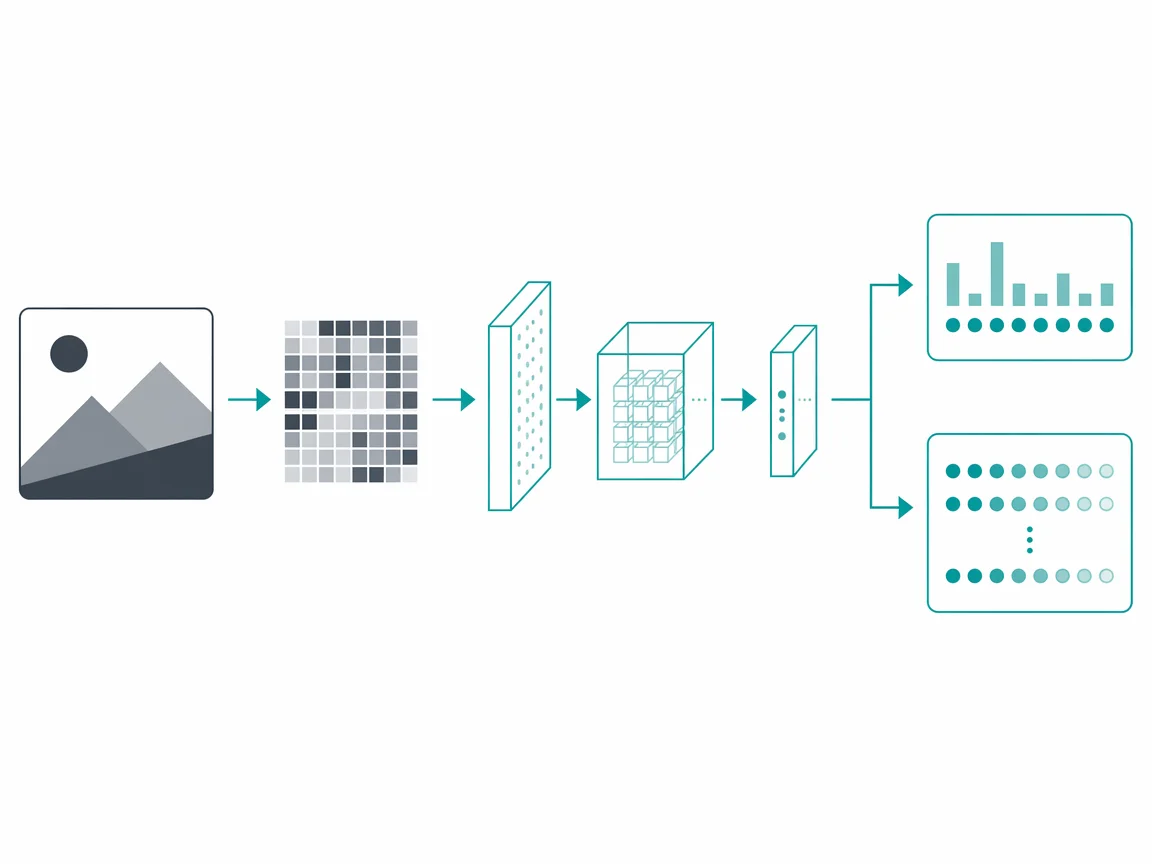
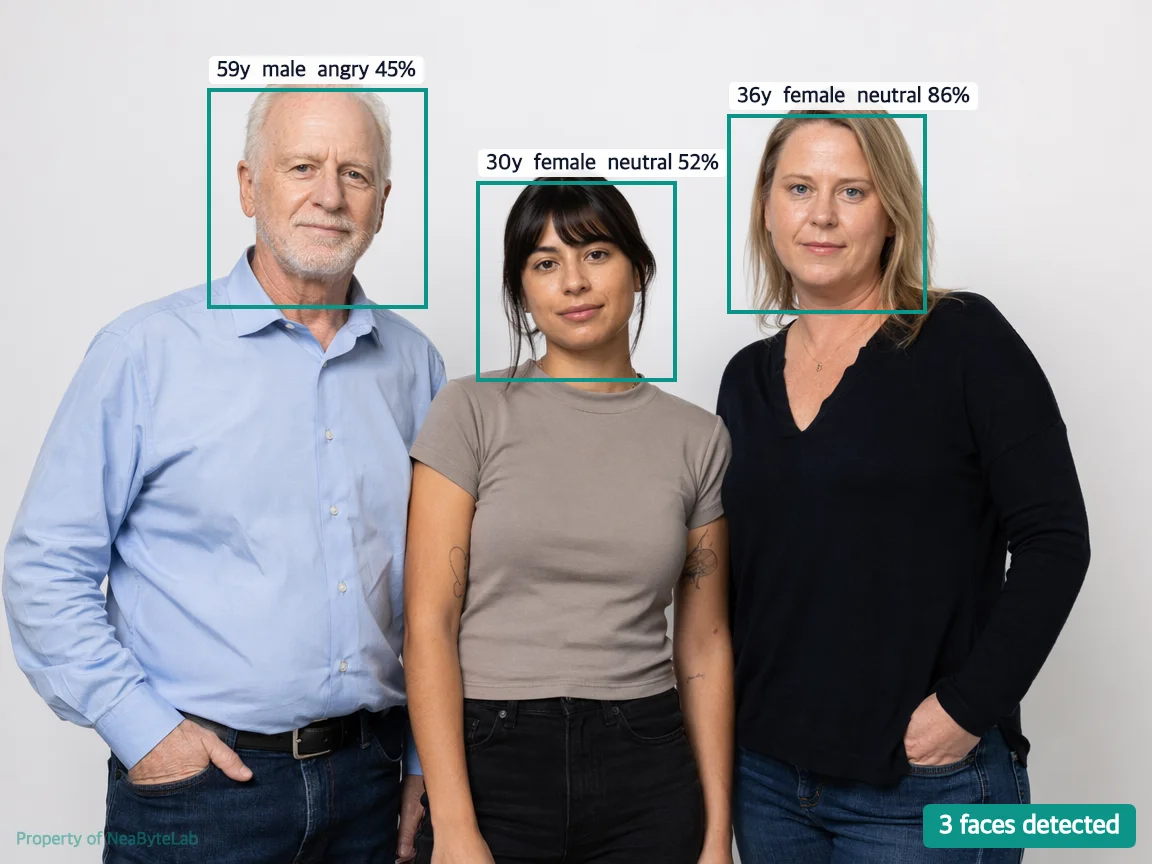
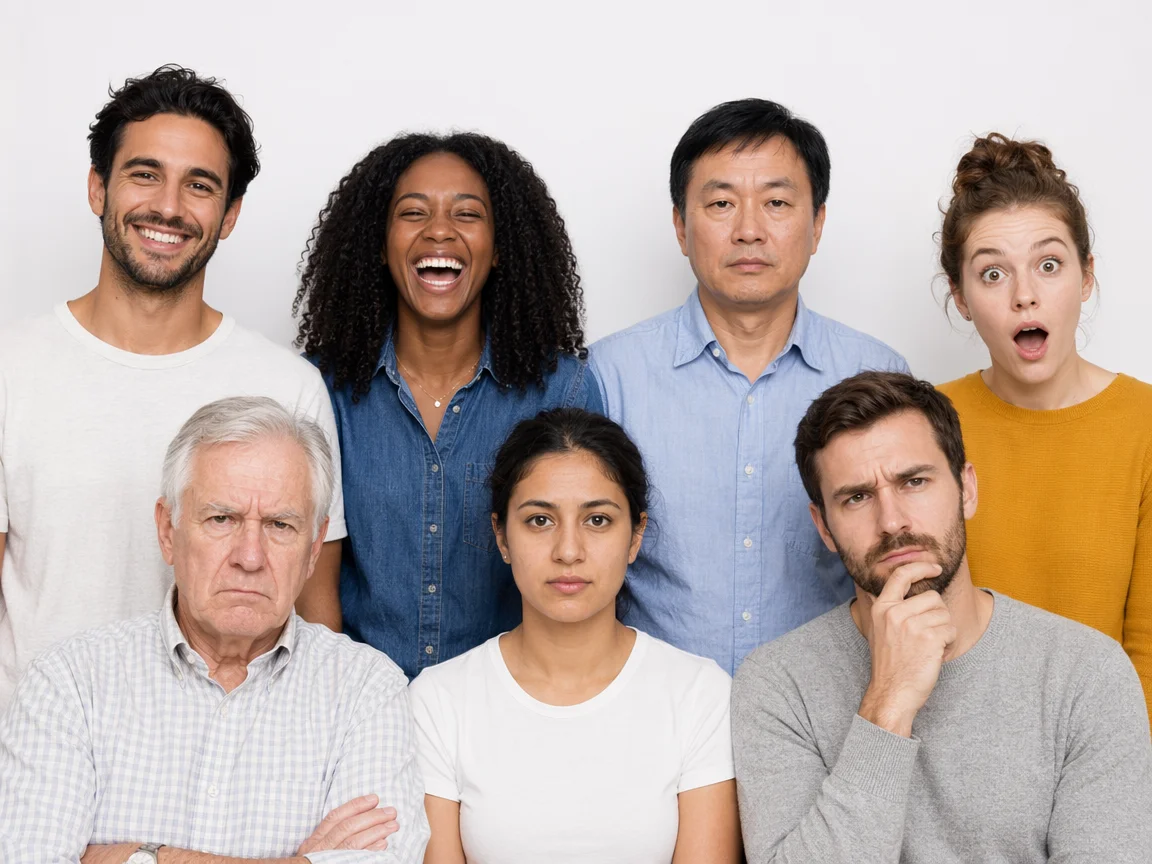
Every image enters as raw bytes and leaves as structured faces. A decoder designed to turn PNG, JPEG, or WebP into a tensor feeds the detector and mesh, then a per-face loop runs description, emotion, antispoof, liveness, and quality when enabled. Embeddings pass through flip augmentation averaging original and mirrored pass, so each enrollment stays stable across angles.
// Enroll one face, then compare two embeddings
const detected = await FaceAPI.detect(bytes, { minFaceScore: 0.5 })
const match = FaceAPI.compare(
  { embedding: detected.enrollments[0]!.embedding },
  { embedding: otherEmbedding }
)
// match.isMatch, cosineSimilarity, euclideanDistance
| Original Before | Annotated After |
|---|---|
 | 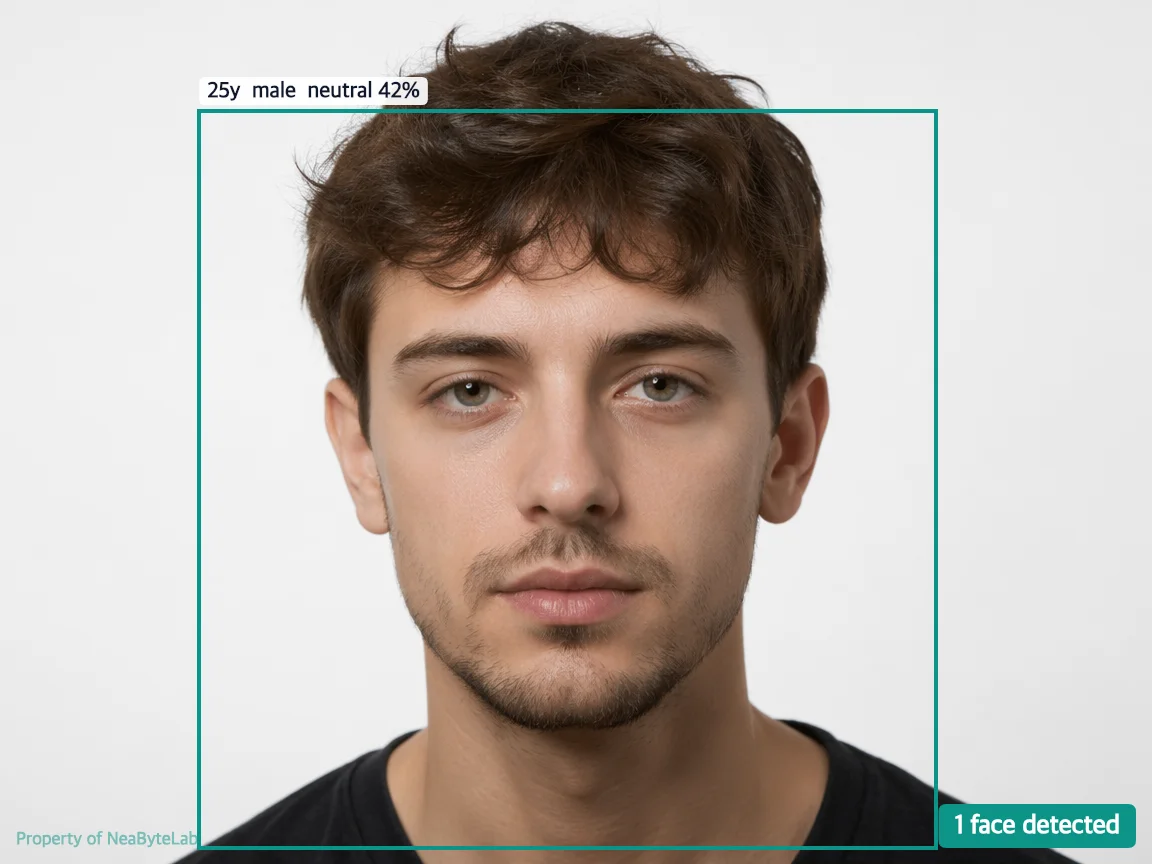 |
 |  |
 |  |
Comparison is pure math, no model load. Two embeddings go in and a verdict comes back, blending cosine, euclidean, and similarity against thresholds. The same call serves attendance checks, photo deduplication, and on-prem verification workloads.
Delivered Feature Set
| Feature | Delivered |
|---|---|
| Count | Faces split by mesh confidence tier |
| Descriptor | Age, gender, emotion, pose, and embedding per face |
| Detect | Enrollment with antispoof and liveness verdicts |
| Compare | Cosine, euclidean, and similarity in one verdict |
| Deployment | On premises or cloud with photos local |
Why the Loop Held
- One entry point kept attendance, pipelines, and on-prem workloads aligned.
- Optional stages let small calls stay fast and big calls opt into depth.
- Flip augmentation kept embeddings stable without a second model.
- Blending three metrics into one verdict removed a class of false positives.
A Straight Line Through
What began as a way to enroll faces for one app became a pipeline running across attendance, image tagging, on-prem, and cloud. Count, describe, detect, and compare share one entry point, keeping photos local and the loop from bytes to verdict short.
Looking back at the docs, the pipeline reads as one straight line with branches that appear when called. Attendance, image processing, on-prem, and cloud share the same entry point, and photos never leave the host unless asked. The loop from bytes to verdict stays short because nothing demands a detour, and every optional stage sits where it belongs, waiting for a flag.
The docs end where they started, with bytes in and verdicts out, and the path between them reads clean, short, and very clear.